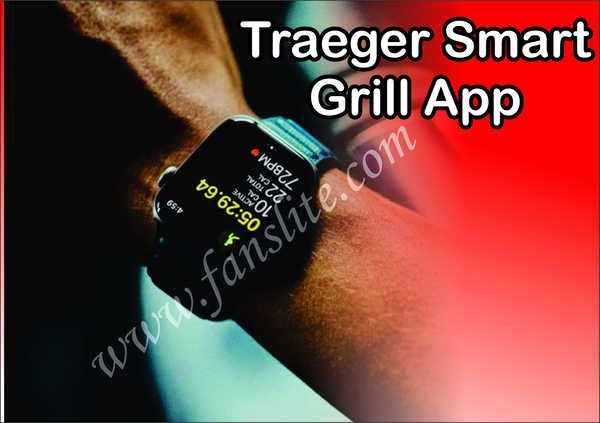
Apple Watch Update – Traeger’s Smart Grill App Is On Apple Watch: Traeger’s smart grills have taken some of the toils out of real cookouts using tech. The company’s feature-rich companion app which was overhauled last year with a ton of recipes and video guides and customization pairs up with its WIFI-enabled grills to let you remotely monitor and control your cuts.
The most recent of all is you get to use it now from your Apple Watch, which packs the same core functions as the mobile version. It’s really amazing because it can help you multitask, using a mix of temperature controls, timers, and alerts.
From your Apple Watch, you can monitor your grill temperature, make adjustments and set and track a desired internal temperature.
There’s also a “keep warm mode” that lets you reduce the temperature so the food doesn’t get cold if you’re behind schedule. The company didn’t include any special features.
Some added features include a pellet sensor that shows current pellet levels so you know when to the reload-the hopper to keep the going burning.
Also Read: New WhatsApp Features – WhatsApp Users Are Moving Their Companion To Signal – Latest Updates
While super smoke mode lets you blast the food with pure hardwood smoke between temperatures from 165 to 225 degrees.
Friedrich Stiftung Scholarships 2024 - Pursue your studies in Germany. Good news! Applications for the…
NL Scholarship 2024 - Start your study adventure in the Netherlands. Good news! NL Scholarship…
Shiraz University of Medical Sciences Scholarship 2024 - Pursue your studies in Iran. Good news!…
Edith Cowan University Scholarship 2024 - There is an opportunity for you to pursue your…
Southern Cross University Scholarships 2024 - Pursue your studies Australia. Good news! Southern Cross University…
Bond University Undergraduate Scholarship 2024 - Start your study adventure in Australia. Good news! Bond…
