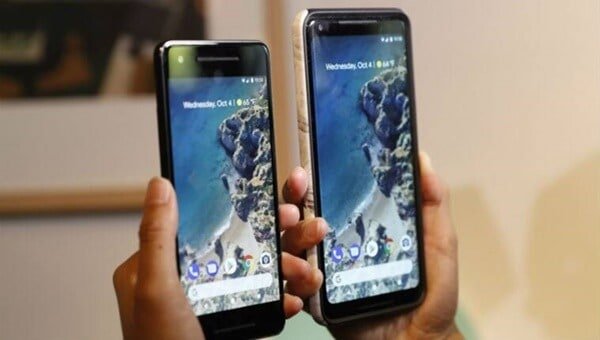
If you are having issues with your Google Pixel 2XL camera, then check out guide on How to Fix Google Pixel 2XL Camera Issue. A lot of people are having issues with the Google Pixel 2XL camera, which is not something anyone would want for their smartphone because cameras are basically the only thing that made a lot of people make use of a Smartphone. Well, as awesome as the Google Pixel 2 is, a lot of people are still having issues with the smartphone camera, and if you are one of those people, then I would be providing you several means that might help you fix your Pixel 2XL Camera.
If you surf the web right now searching for means toward fixing your own Camera, you would discover that you are not alone facing this issue. A lot of users from all over the world are facing it, and some have commented angrily because they cannot make use of their camera for anything, basically because it does not work.
I cannot guarantee you that the solution I would be providing would work, but I have tested some of it for my Own Google 2XL, and it worked just the first time, but when I tried to launch the Camera again, it failed to launch.
Also Read – How to Fix Steam Disk Write Error
But the selfie camera was still working fine which is better than nothing. So with that stated, if you are interested in trying out my process, then keep on reading this content.
Before we get to the solution in this article, a lot of people started noticing this issue when they updated their Android version from the original one it was before. so, if you are planning on updating the one on your own pixel 2XL, I advise that you hold your horses because your camera depends on it.
It is best that you remain on the current Android version of the smartphone until you find a viable solution to fixing the phone camera.
Below are the Tips on How to Fix Your Google Pixel 2XL Camera Issue. Once again, I cannot guarantee that these steps would work perfectly, but you just have to try if you are that desperate. The Tips includes:
This was the process that actually gave me hope, after clearing my cache, the camera functioned for the first time, after that time, it refuses to launch. But the selfie camera still remains functional after that. To delete the Camera App Cache, follow these steps:
This should help mainly your front camera and maybe the rear Quad camera.
Try restarting your phone to see if the camera would work.
To do this, all you have to do is to:
If the camera app works in safe mode, then an app might be the reason why the camera is not working. All you have to do is to uninstall some apps or your recently downloaded apps. Open your camera and check if you have fixed the issue. If not, redo the steps stated previously. If the problem is fixed, reinstall any problem you removed before the last one.
If the problem still persists after trying out the methods I stated above, then you need to Reset the phone. Backup all your file and reset your phone back to its factory defaults. This would remove all your third-party app, and it would look like you just bought a new smartphone.
If after trying the steps I stated above, and you are not satisfied with the result, then a simple hack is to place a magnet on the flashlight, and the camera should work again. With this, or one of the steps stated above you should be able to fix your Google pixel smartphone camera.
If any of these tips do not work, then you really need to take your phone to a repair or checkup store.
Friedrich Stiftung Scholarships 2024 - Pursue your studies in Germany. Good news! Applications for the…
NL Scholarship 2024 - Start your study adventure in the Netherlands. Good news! NL Scholarship…
Shiraz University of Medical Sciences Scholarship 2024 - Pursue your studies in Iran. Good news!…
Edith Cowan University Scholarship 2024 - There is an opportunity for you to pursue your…
Southern Cross University Scholarships 2024 - Pursue your studies Australia. Good news! Southern Cross University…
Bond University Undergraduate Scholarship 2024 - Start your study adventure in Australia. Good news! Bond…
