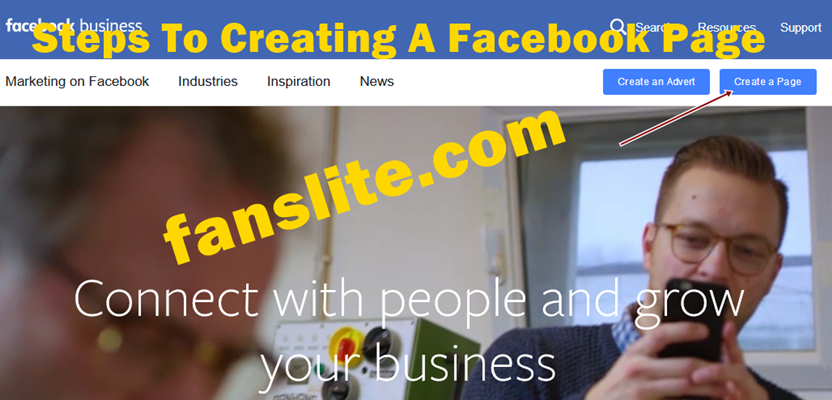
To create Facebook page is one way to promote, create and build awareness and support for a particular brand. Be it a business page, or any other Facebook page, the awareness it offers to a brand is amazingly unspeakable.
As Facebook popularity is growing by the day, it would be a good one to create Facebook page for that your business or just your brand. It is a sure way to advertise your product.
To learn how to create Facebook page simply follow the simple steps below;
Step1. Log into your Facebook account; To create Facebook page, it is assumed you already have your Facebook account. This enables you get familiar with Facebook and also have couple friends you can invite to like and become fans of your new Facebook page.
Step2. Click on the “Gear Settings“. This is located on the top right hand side of the you Facebook account homepage.
Step3. From the drop menu, click on “Advertising on Facebook”
Step4. Locate and click on “Create a Page”
Step5. Click on the type of page you’ll like to create;
There are;
Recommended – Important Facebook Privacy Settings To Know
NOTE: Which ever page you select to create, you will have to select also the category of such page, and also provide the address of such page.
Also you will have to agree to “Facebook pages Terms”
Step6. Click on “Get Started”. After you would have chosen the appropriate category of the page you want to create and added the basic information required. You’ll also be able to add some information for the page.
Step7. Upload a profile picture. You can now upload a photo to represent the brand, person or product you want to promote.. upload and click “Save photo”.
Step8. Complete the “About Section”
Here you provide basic information about the brand, adding descriptions and even website and link to such organization or band; maybe the link to the band or organization Twitter page.
Also specify by clicking on whether or not the page represents a real celebrity or famous person.
Step9. Click “Save info”
Step10. Choose whether you want to enable ads. In this step, you have to decide whether or not you would like to enable ads.
NOTE: If you choose to enable ads, you will pay for such adverts by providing your credit card details.
*Click on either “Enable Ads” or “Skip” to continue.
Now that you have finally succeeded in creating the Facebook page, you can then improve you page.
Improving your Facebook page
Now you have come past how to create Facebook page, as you have finally created one. You can now provide as much information as possible to build support.
- Also like your page,
- Upload more photos to give more clear information about your page,
- Post a status updates,
- Upload cover photos.
Need More Awareness? – Learn To Link Facebook Account To Twitter Account
Always use the Admin panel to edit your page, build audience and seek help.
Very importantly, invite friends to like your new Facebook page!
Hope this article was helpful?
Always visit back for updates on related topics and more..
Using the comment box below, make you suggestions and contributions…
Friedrich Stiftung Scholarships 2024 - Pursue your studies in Germany. Good news! Applications for the…
NL Scholarship 2024 - Start your study adventure in the Netherlands. Good news! NL Scholarship…
Shiraz University of Medical Sciences Scholarship 2024 - Pursue your studies in Iran. Good news!…
Edith Cowan University Scholarship 2024 - There is an opportunity for you to pursue your…
Southern Cross University Scholarships 2024 - Pursue your studies Australia. Good news! Southern Cross University…
Bond University Undergraduate Scholarship 2024 - Start your study adventure in Australia. Good news! Bond…
